How do you check a company list?
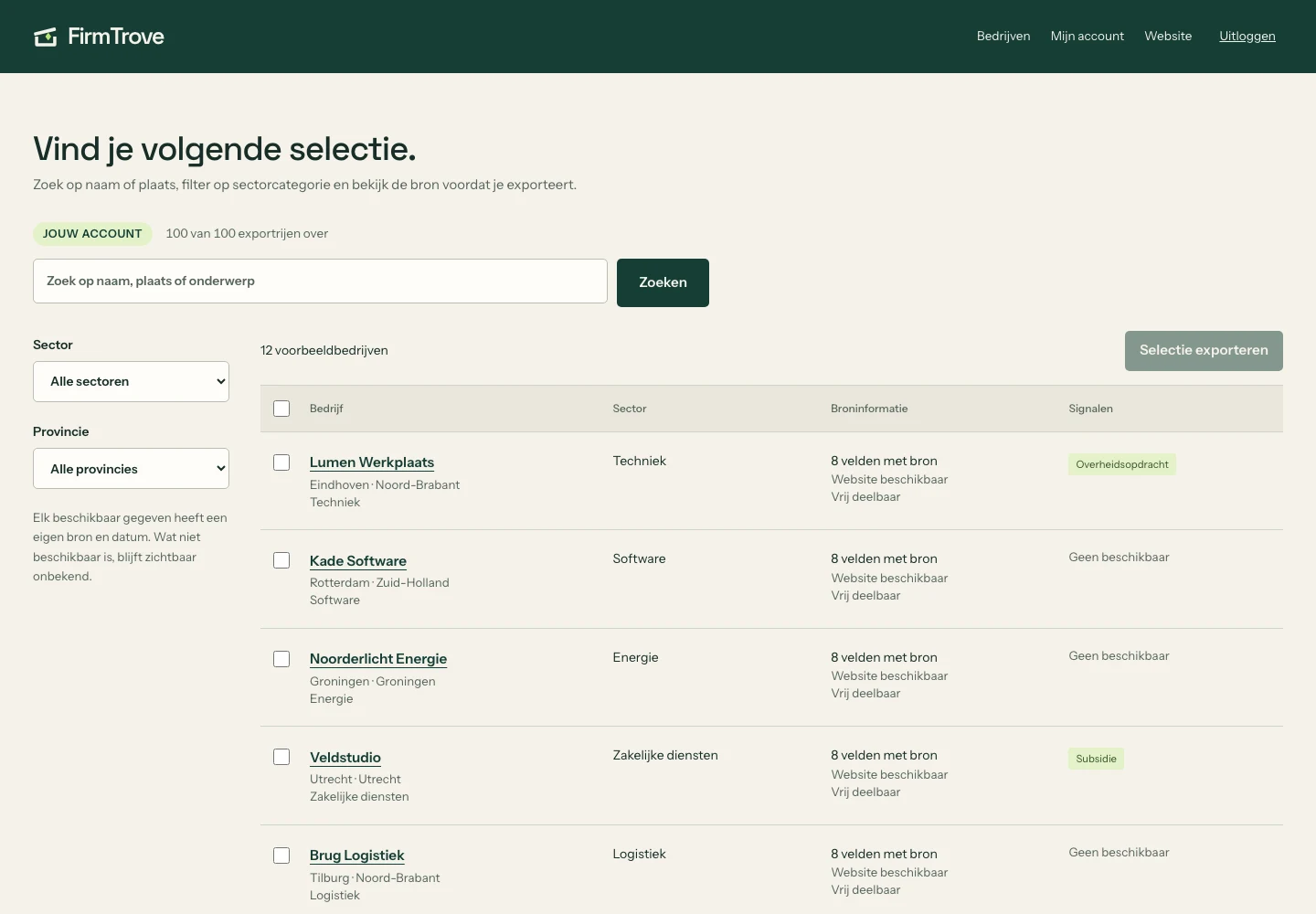
TL;DR: Start with the fields that matter to your decision and ask for the source of each field. An observation date only says when a system saw a value, so check the expiry too and recheck important information before acting on it. Distrust lists in which every field is filled. For official verification, check registration directly with KVK and an EU VAT number with the official VIES check, because FirmTrove does not replace these checks.
Check company data by comparing important values with the original source and reading the observation date. Look up a registration directly at KVK before basing a decision on it.
A list can look complete while offering little certainty. Start with the fields that matter to your decision.
Ask for the source of each field
A website and a mailbox can come from different sources. A source attached to the whole profile is therefore insufficient. Look for the origin of each field you plan to use. In FirmTrove every field shows its source, the version of the source terms and an evidence reference.
Distinguish observed from valid
An observation date says when a system saw a value. It does not prove that the value is correct today. Check the expiry as well and recheck important information before acting on it.
Keep unknown information unknown
An empty phone field means no phone number is available. It does not mean the company has no telephone. The same applies to missing signals and sectors. Distrust lists in which every field is filled.
A source check is not official registry verification
This guide helps you assess the source and date of company information. Check registration directly with KVK. For the validity of an EU VAT number, use the official VIES check. FirmTrove does not replace these checks.
Check usage rights separately
Access to information does not automatically establish a right to redistribute it or contact someone. Preserve source details and assess your intended use separately. That is why FirmTrove labels every field: freely shareable, attribution required, KVK terms or personal data.
Keep context in the export
Carry the source and observation date into your CRM. Otherwise a traceable fact turns into an isolated value with no evidence. A FirmTrove export therefore has a provenance column and a column listing withheld fields with their reason.
How do you start with a small check?
Build a selection of companies you know in the explorer. Free lets you export 100 rows per month. Pro costs €29 per month excluding VAT and includes 5,000 to 25,000 rows per calendar month.
| Plan | Export allowance | Monthly price excl. VAT |
|---|---|---|
| Free | 100 rows per month | €0 |
| Pro | 5,000 to 25,000 rows per calendar month | €29 |
Where do you check a company registration?
Look up the company in the KVK trade register. Read how FirmTrove counts records before comparing totals with a register.
Frequently asked questions
Where should I start checking?
Start with the data your decision depends on. Open the relevant source and compare the value.
How should I keep my checking file?
Keep the original CSV separately. Work with a copy so you can compare values.
How many rows can I export for free?
Free lets you export 100 rows per calendar month.
Pro: €29 a month excluding VAT. Start with 5,000 rows, adding 2,500 each consecutive paid month, up to 25,000 per calendar month. Pro Year: €290 excluding VAT paid upfront, with 25,000 per calendar month from day one.
Want more of this in your Google results? Add FirmTrove as a preferred source.
Search the company records yourself.
Try the explorer free, or create an account and search every record.